Linux Namespaces
How Linux namespaces and cgroups provide process isolation and resource control, forming the foundation of container technology.

Linux Namespaces
Namespaces isolate processes
restricts what processes can see.
- PID namespace:
- isolates processes from each other
- one process cannot see others
- process ID 10 can exist multiple times, once in every namespace
- Mount namespace:
- restricts access to filesystem
- Network namespace:
- separates network traffic
- User namespace:
- user 0 can exist in every namespace and all of them are different
Cgroups
- restricts the resource usage of processes (RAM, disk, CPU)
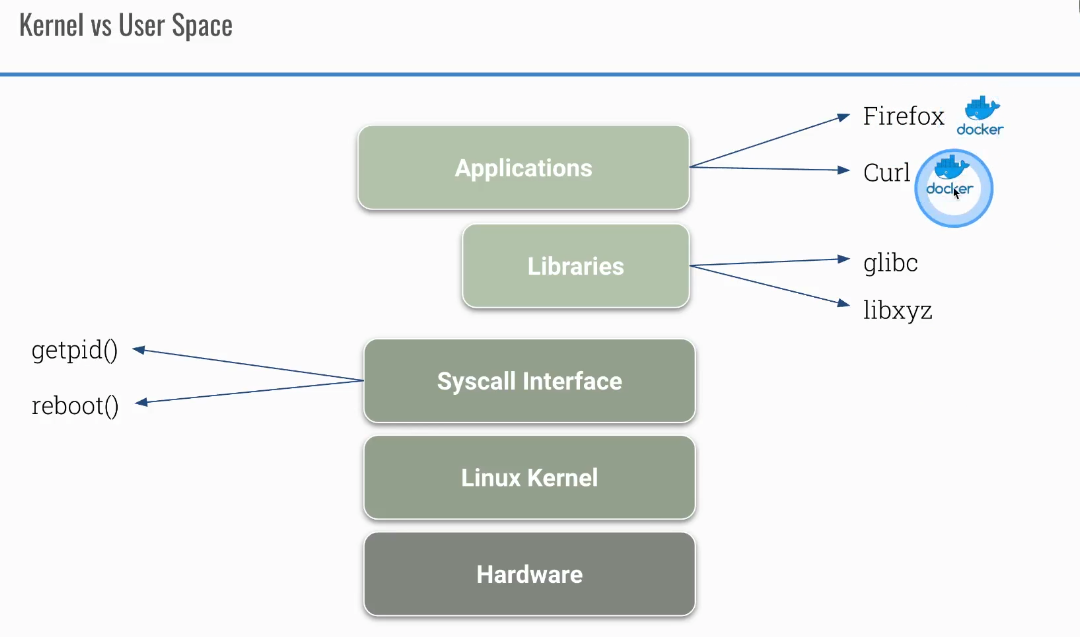
Difference between user and kernel space in Linux
Container tools
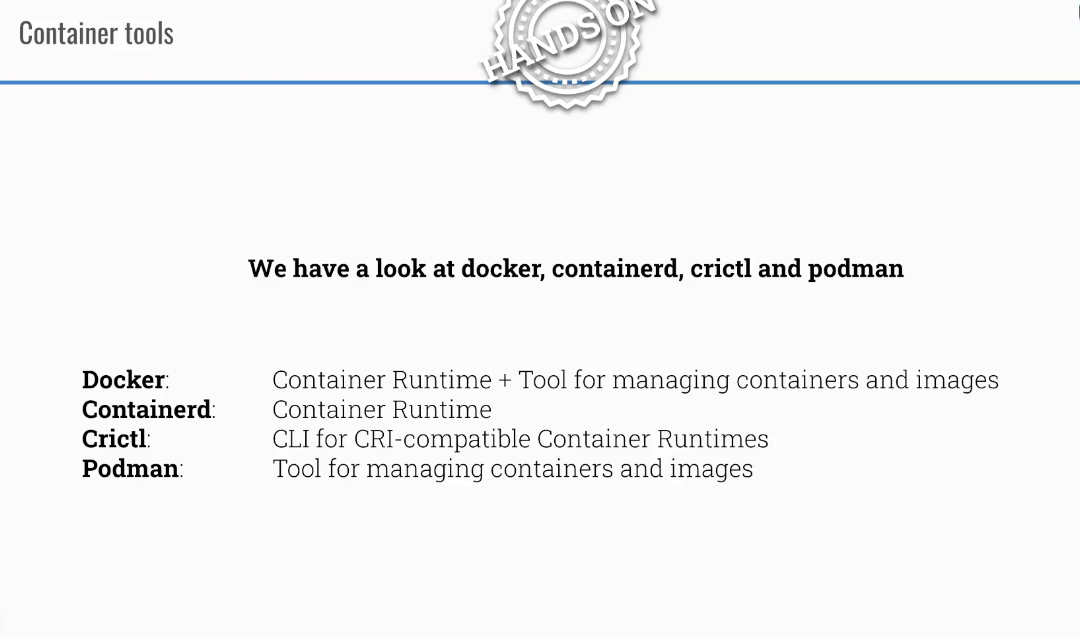
Take a look at some container tools:
Check how processes in containers can be isolated from each other
The following example shows how containers have their own PID namespace by default. When you start two containers, each sees only its own processes. By using the --pid=container:c1 flag, you can share the PID namespace between containers, allowing one to see the other’s processes.
```bash docker run –name c1 -d ubuntu sh -c ‘sleep 1d’ docker run –name c2 -d ubuntu sh -c ‘sleep 999d’ docker exec c1 ps aux docker exec c2 ps aux
docker rm c2 –force
now c2 can see processes from container c1
docker run –name c2 –pid=container:c1 -d ubuntu sh -c ‘sleep 999d’ docker exec c2 ps aux
This post is licensed under CC BY 4.0 by the author.